Features
Every tool you need. Nothing you don't.
Booking, scheduling, payments, messages, and client records, built for people who run a business on their own.

Online booking
Bookings that follow your rules.
An online booking page where customers book appointments around the clock, but only into the times that work for you.
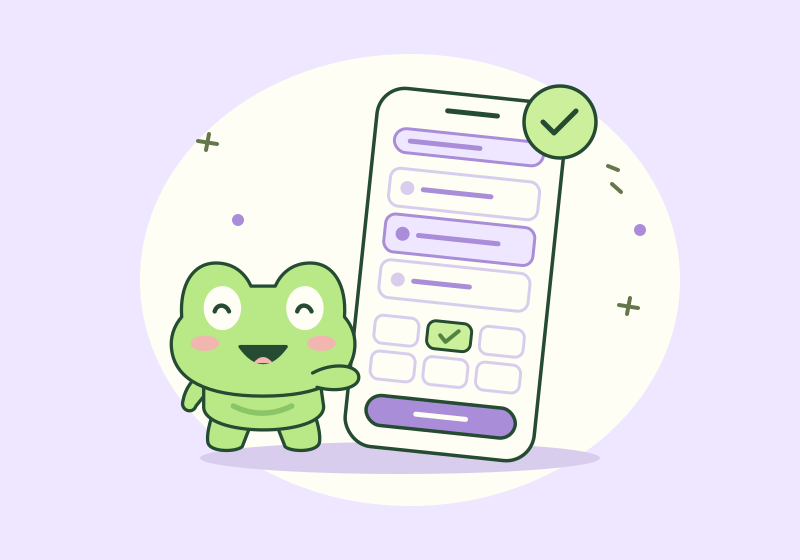
Your own booking page
Share fropp.io/book/yourname anywhere. Customers browse your services, see open times, and book in their browser, with no app or account needed.
Approve every request
Online bookings arrive as requests. Accept or decline before anything lands in your calendar.
Minimum booking notice
Decide how far ahead customers must book, so nobody grabs a slot ten minutes before it starts.
Self-service changes
Customers cancel or reschedule from their link, within the deadlines you set.
Business website
A public page with your logo, description, services, and booking button.
Calendar
Your schedule, under control.
An appointment scheduling calendar for every booking, location, and hour you work, so double bookings never happen.

Appointment calendar
See every booking by day or week, add appointments yourself, and reschedule or cancel in a few taps.
Working hours
Set weekly hours once. Customers only see times when you're open.
Blocked time
Block off lunch, errands, or a day off, across every location at once.
Buffer time
Add time before or after a service to prepare, clean up, or travel.
Multiple locations
Run more than one location, each with its own address and hours.
Quick rebooking
Book a client's next visit straight from their last appointment.
Several services per visit
Combine services in one appointment, with the length worked out for you.
Payments
Get paid before, during, or after.
Accept card payments and deposits for appointments through your own Stripe account, with payouts straight to your bank.
Stripe card payments
Connect Stripe in a few minutes and take secure card payments for every service you offer.
Deposits
Ask for a deposit when you book, so customers are committed to turning up.
Payment links
Send a secure link and customers pay by card on their own phone.
Cards on file
Save a client's card securely and charge it after the visit in one tap.
Payment status
See which appointments are paid and what's still owed.
Refunds
Refund in full or in part, with a clear record of every refund.
Direct payouts
Stripe sends your money straight to your bank account.
Messages
Keep every customer in the loop.
Automatic appointment reminders and confirmations by text and email go out on time, so fewer customers miss their visit.
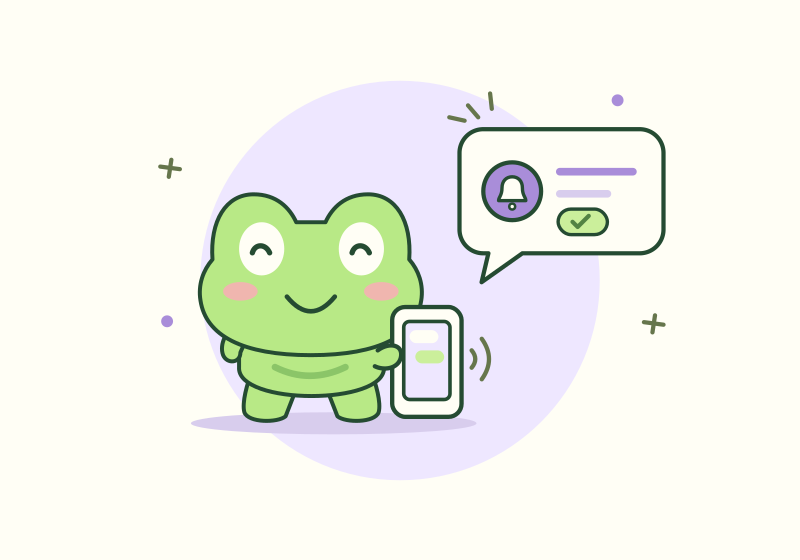
Customer text messages
Text customers from your own business number, keep your personal phone private, and read every reply in one inbox.
Pro & Pro+AI plansEmail confirmations
Customers get an email as soon as you confirm or change a booking.
All plans: unlimitedScheduled reminders
Choose when reminders go out, like a day or two hours before.
All plans: unlimitedNotifications
Know the moment a booking comes in, changes, or is cancelled.
Conversation history
Every message with a client in one thread, ready when they reply.
Pro & Pro+AI plans
Clients & services
Know every client and service.
Client management with records, intake forms, and your service menu in one place, so you're ready before every visit.

Client records
Contact details, notes, saved cards, and visit history for every client. Check what you did last time before they arrive.
Intake forms
Build forms with text, choices, and dates, and attach them to services.
Signatures
Collect a signature on consent and waiver forms before the visit.
Services and prices
Set prices, durations, descriptions, and colours for each service.
Search everything
Find any client, appointment, or service from one search box.
Connected apps
See which apps can access your account and disconnect them any time.
Froppio AI
An assistant that knows your business.
An AI assistant that knows your services, prices, and availability, and drafts replies to customers so you spend less time on messages.

AI-drafted replies
Get a ready-to-send answer for every customer message. Check it, adjust it if you like, and send.
Pro+AI planScheduling assistant
Ask for open slots and get the best time suggested for each client.
Pro+AI planClient memory
Preferences, past visits, and notes are used so every reply feels personal.
Pro+AI plan
Good to know
Feature questions.
Which features are on the Free plan?
Online booking, your calendar, client records, forms, booking rules, and Stripe payments are on every plan. Email confirmations and reminders are unlimited on every plan.
Do my customers need to download anything?
No. Customers book from your link in any browser, without an app or an account. Only you use the Froppio app.
Can I take deposits before an appointment?
Yes. Request a deposit when you book, send a payment link, or charge a card saved on file. Payments go through your own Stripe account.
Can I run more than one location?
Yes. Add each location with its own working hours, and customers only see times when that location is open.